If this is your first course with Tembusu Institute, please update your signature in the Student Mobile App for attendance and assessment.
Steps:
- Log in to the Student Mobile App.
- On the homepage, click the three bars at the top right.

3. Select “My Account”.

4. Click “Edit/Update Signature”.

5. Add your signature and click “Save”.
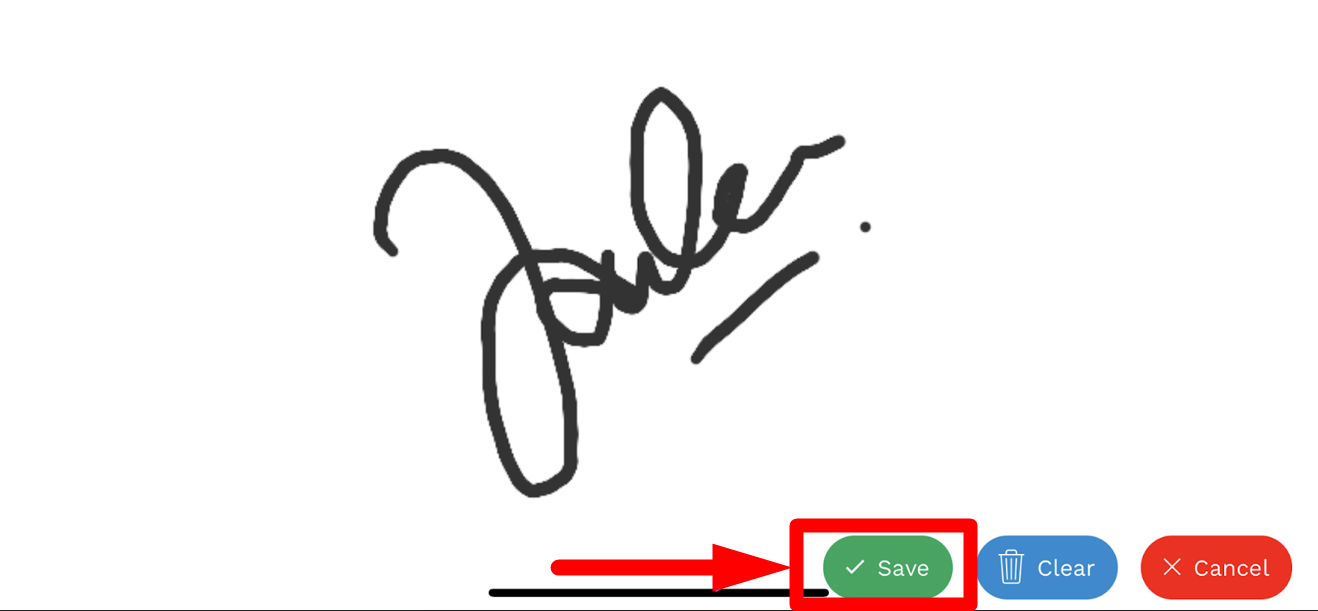
6. Check that your signature has been saved correctly.
